Global Dashboard
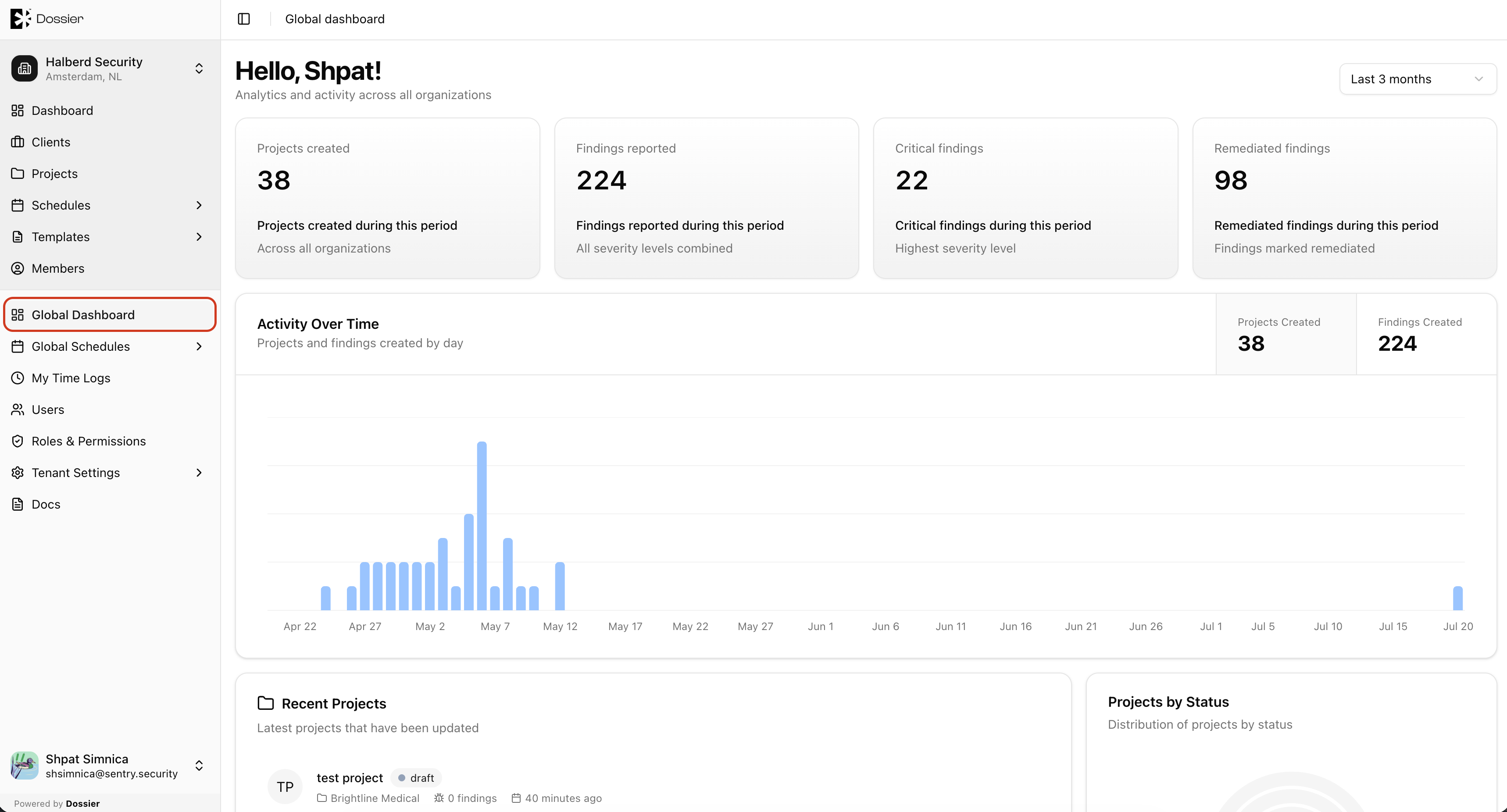
The global dashboard provides a tenant-wide view across all organizations. It is accessible from the global section of the sidebar and does not require an organization to be selected.
Accessing the Global Dashboard
Click Global Dashboard in the sidebar under the global (tenant-wide) section.
Route: /global/dashboard
What It Shows
The global dashboard uses the same layout as the organization dashboard but aggregates data from every organization in the tenant:
- Summary cards for all projects, findings, and assets
- Recent activity chart across the tenant
- Recent projects and findings from all organizations
- Projects-by-status radial chart
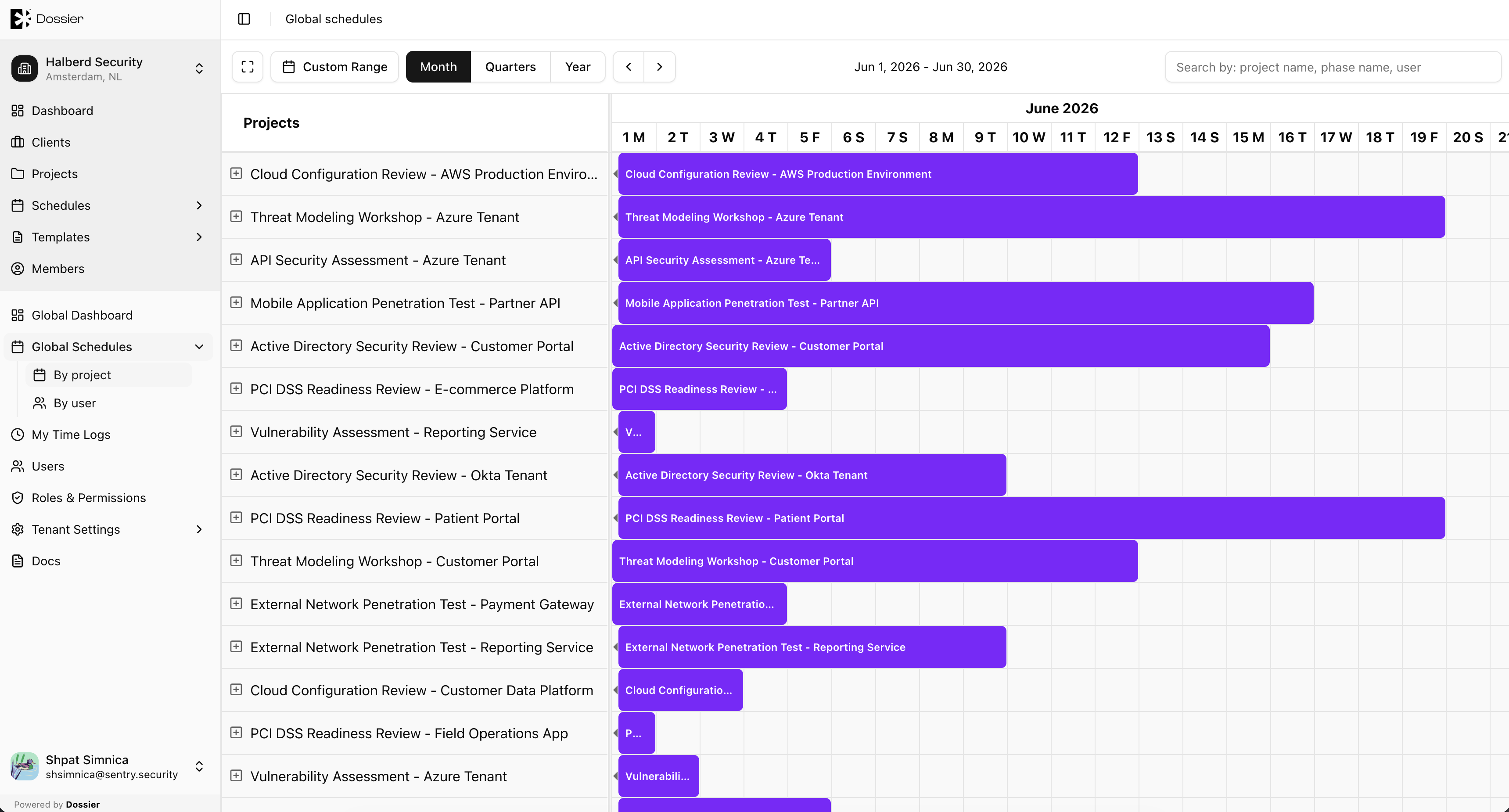
Global Schedules
In addition to the dashboard, the global section includes Global Schedules for viewing consultant calendars across all organizations:
- By project —
/global/schedules/projects - By user —
/global/schedules/users
See the Schedules section for details on using the calendar views.